 Capitol Hill Coding
From "what is a computer?" to coding with AI
One game takes her the whole way, one idea at a time, and each idea is something she does, not something she is told.
- How computers workIn, think, out. Switches, on and off: numbers and pictures in binary.
- LogicSteps in order, loops and choices, built with blocks for a robot who does exactly what he is told.
- BugsA program that doesn't work yet. Find out why, and fix it.
- Real codeThe same programs typed as Python, then lists, functions and classes.
- Making thingsHer own movies and games, written in code and played on the big screen.
- Coding with AIHow an AI helper works and why it can be wrong, then a small one, built for this game, that writes and changes her own code on the device.
- Working as a teamFor those who want more: versions, tidy code, sharing one program and reviews, the habits of coders who build big things together.
- 🤖He does what you sayWidget never guesses. That one idea is where all coding starts.
- 🐍Real PythonBlocks first, then the same programs typed as real code.
- 🎬Make somethingWrite your own movies and tap games, and watch them on the big screen.
- 🔒No ads, no accountsNo tracking, no internet needed. What she makes stays on the device.
How computers work
In, think, out. On and off.
Before any code, a look inside. Every computer takes something in, thinks, and sends something out, and deep down it is all tiny switches.
- Sort the parts on Lu's shelf: what senses, what thinks, what remembers, what shows?
- Follow one key press from finger to screen.
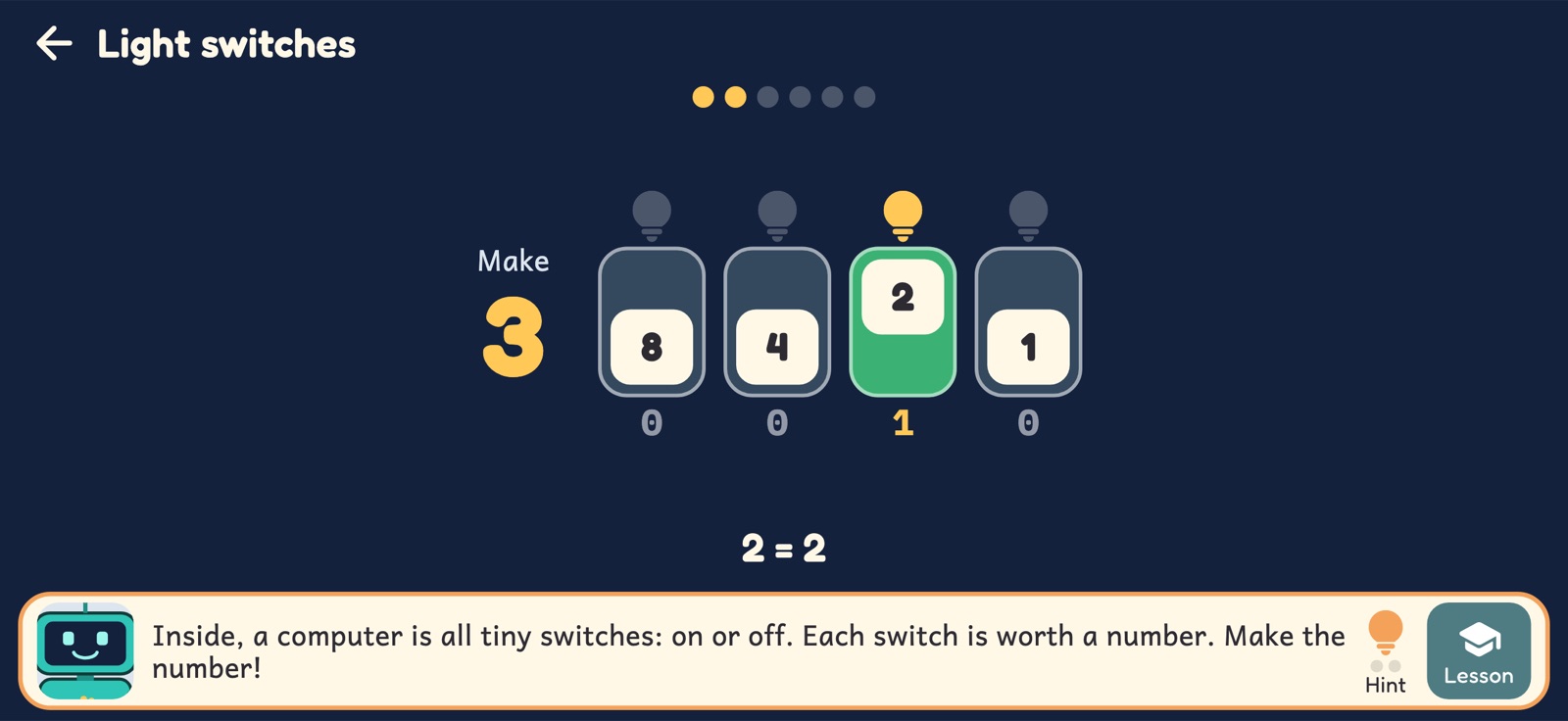
- Flip switches worth 1, 2, 4, 8 and 16 to make any number.
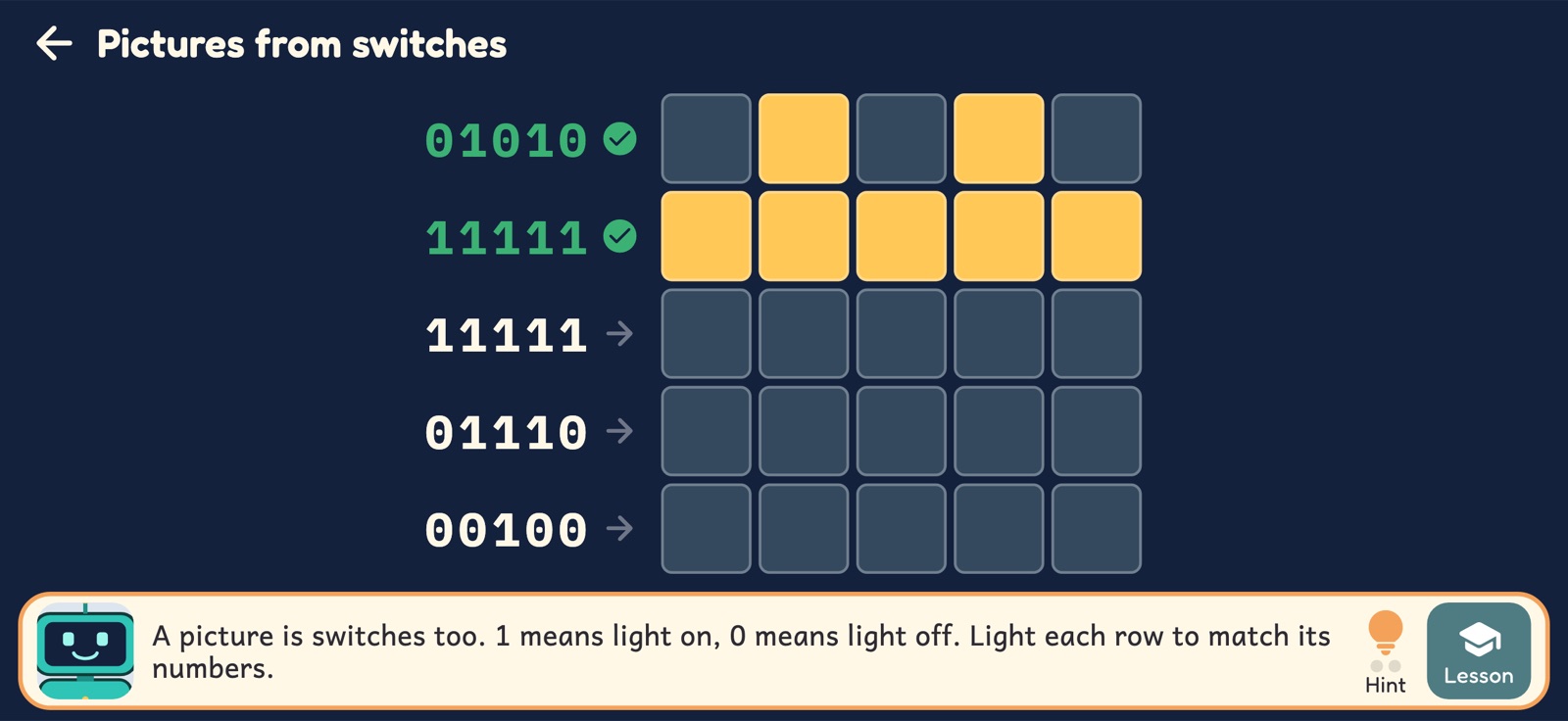
- Light up a picture from rows of 1s and 0s.
Blocks
Steps, loops and choices.
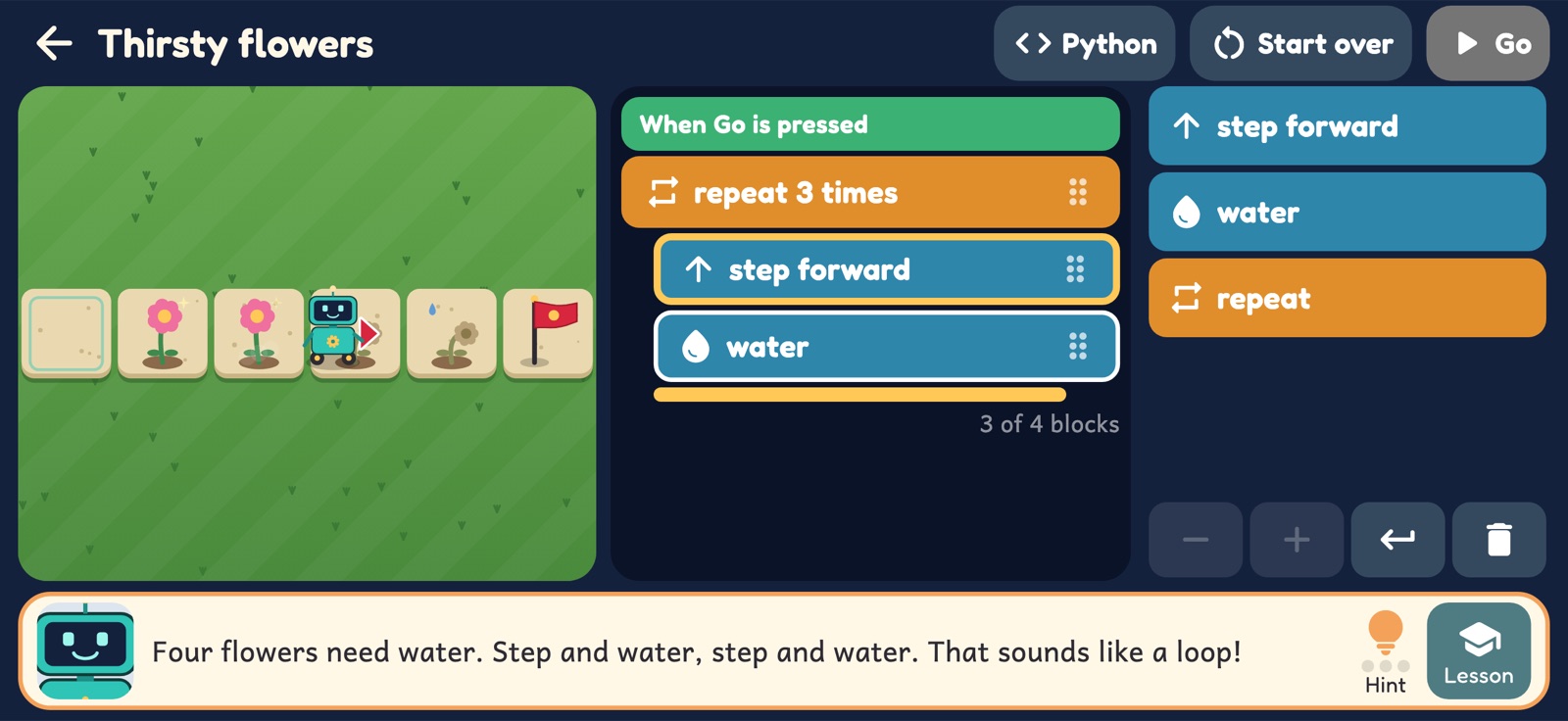
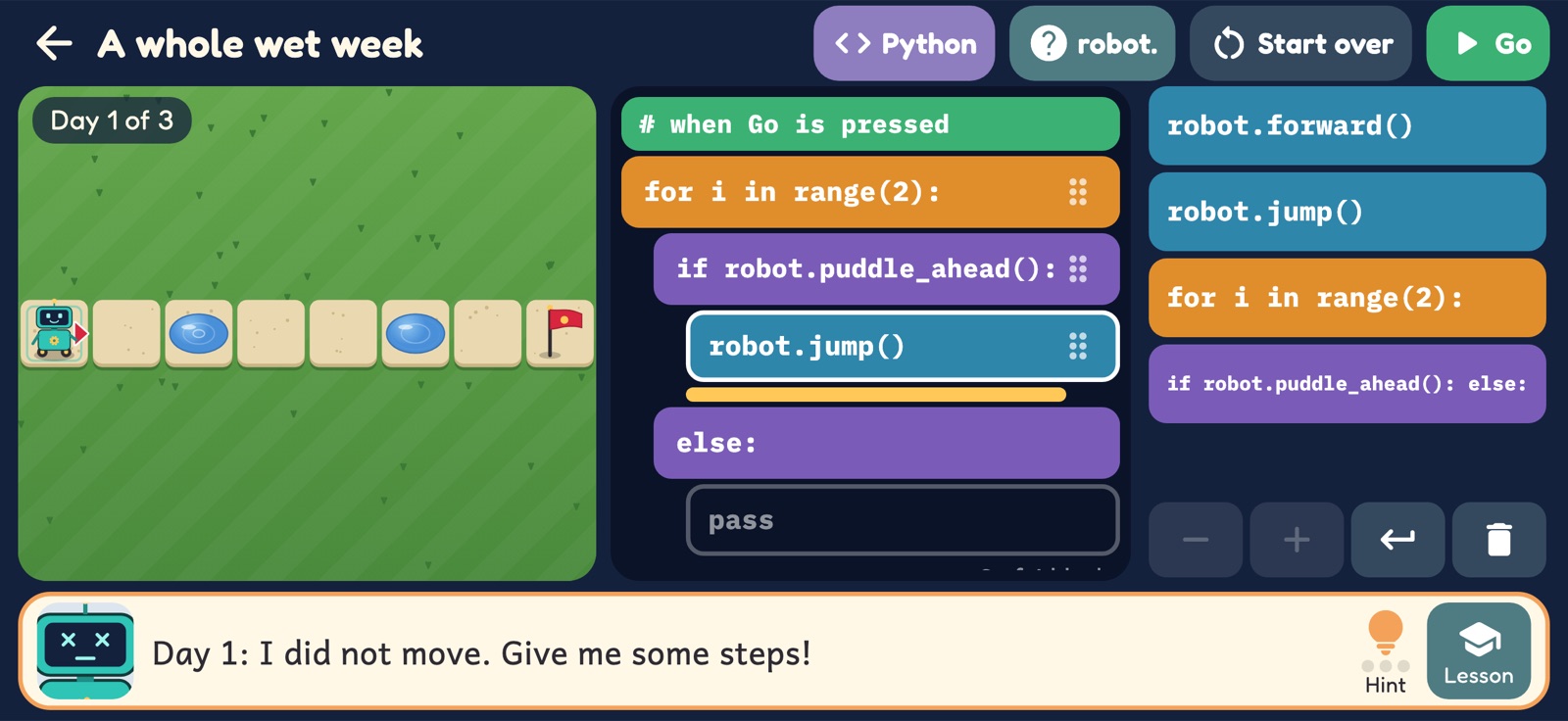
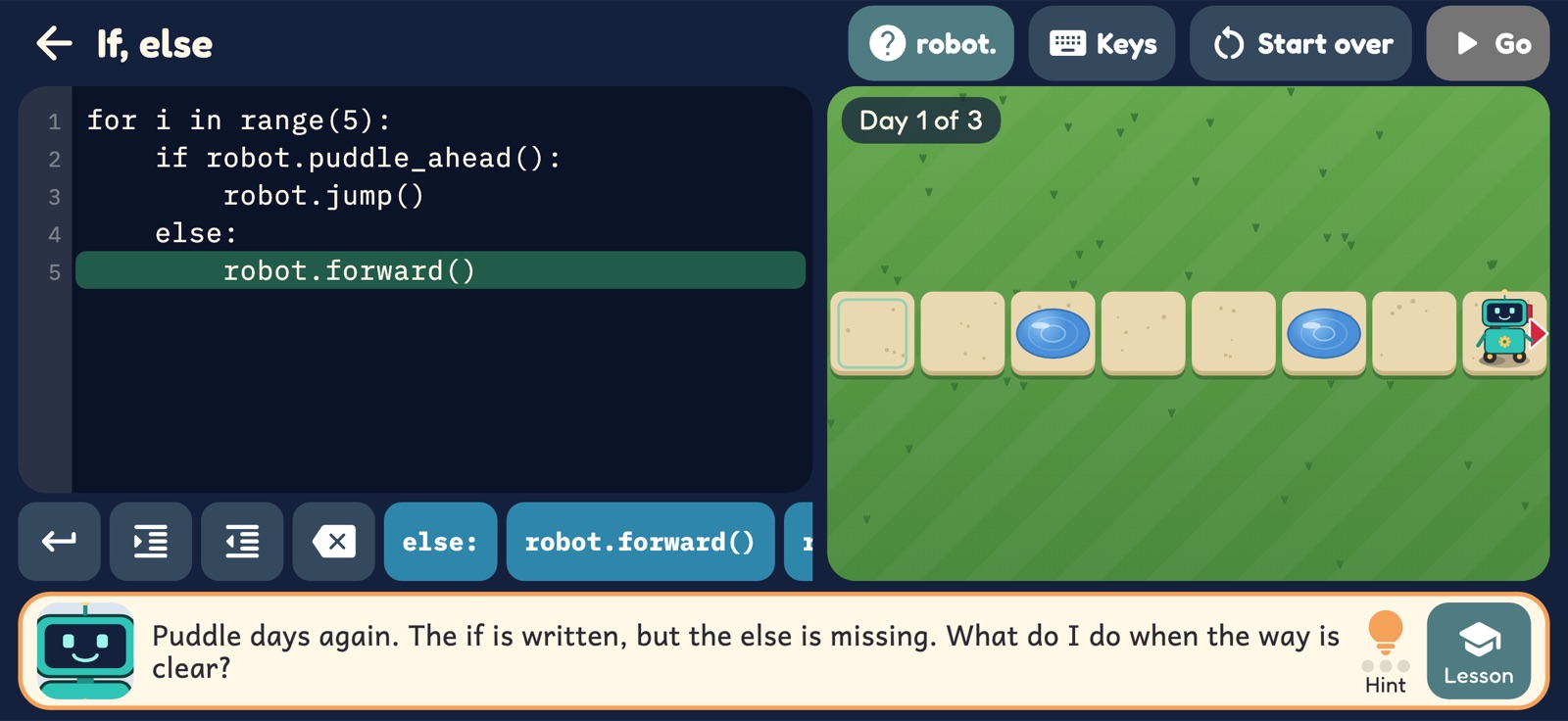
Widget rolls along a path, one block at a time. A block limit makes a loop the easy way out, and puddles that move every day make an if the only way through.
- Steps in order: step, step, turn left, step.
- Loops: say it once, then say how many times.
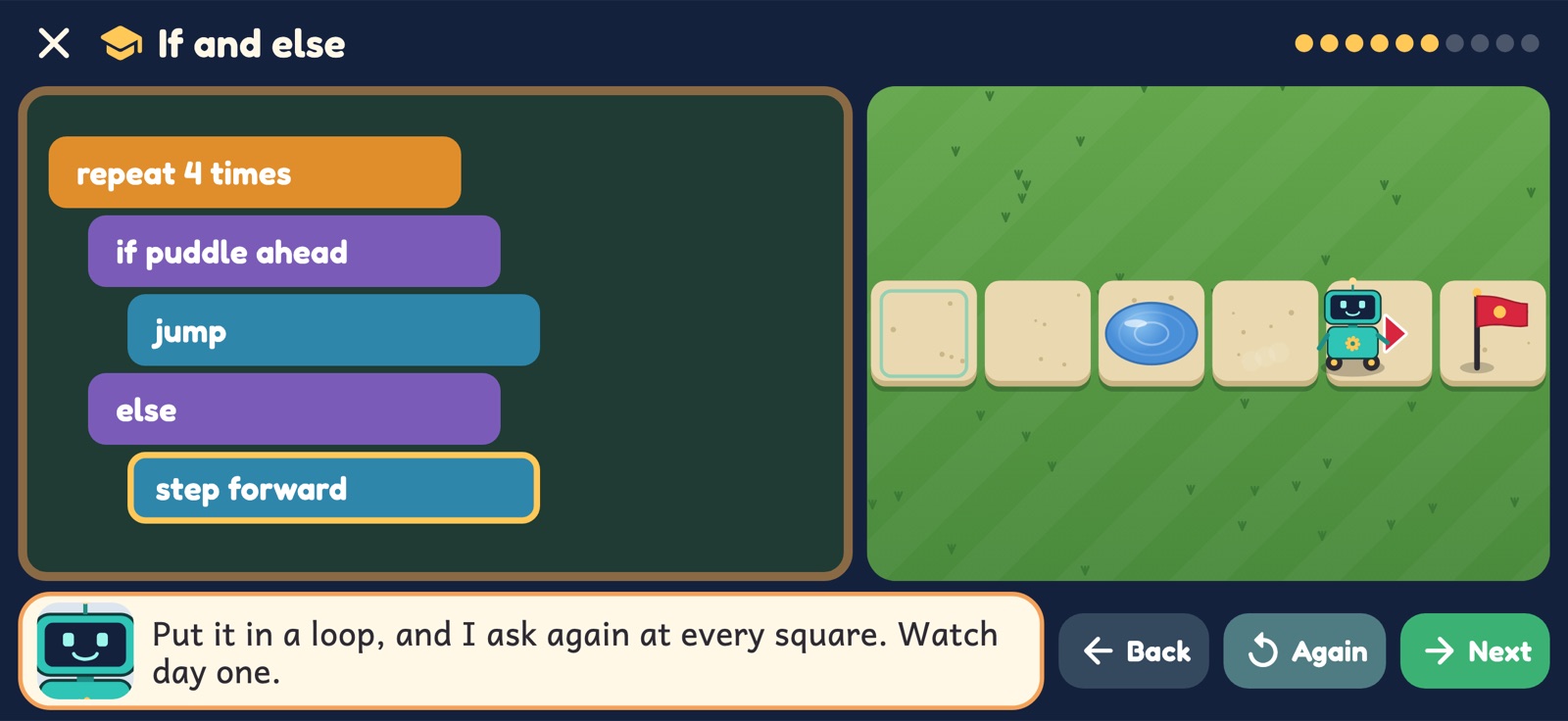
- If and else: one program that has to work on Monday's puddles and Tuesday's.
- Every block is one line of Python, and a switch shows the program as code.
Bugs
Bonk! Now find out why.
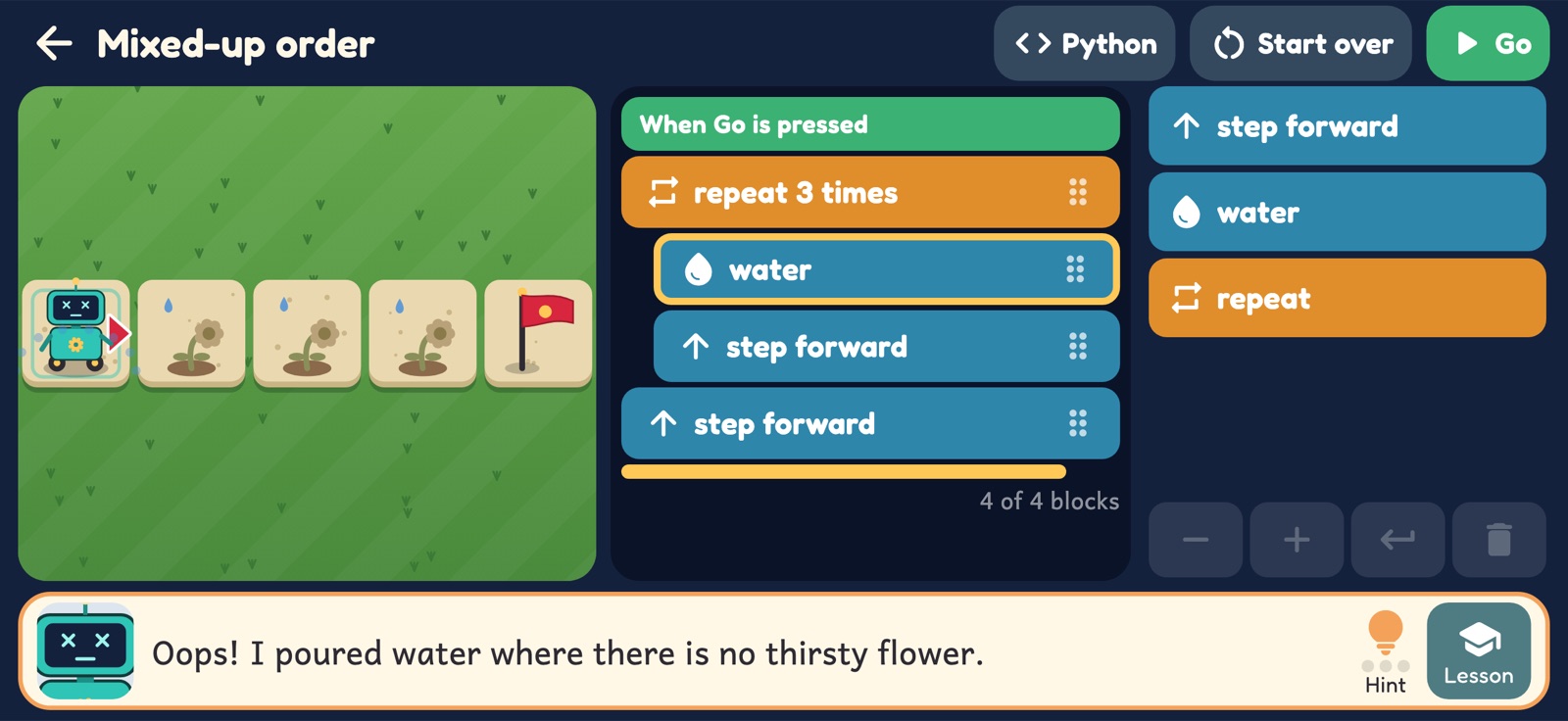
Dev writes programs fast and finds the bugs later. At the park, his programs are waiting to be fixed: a wrong turn, a loop one short, two blocks in the wrong order.
- Press Go and watch. The block that went wrong lights up.
- Nothing is marked wrong in red, and there is nothing to lose. Widget says what happened, and you try again.
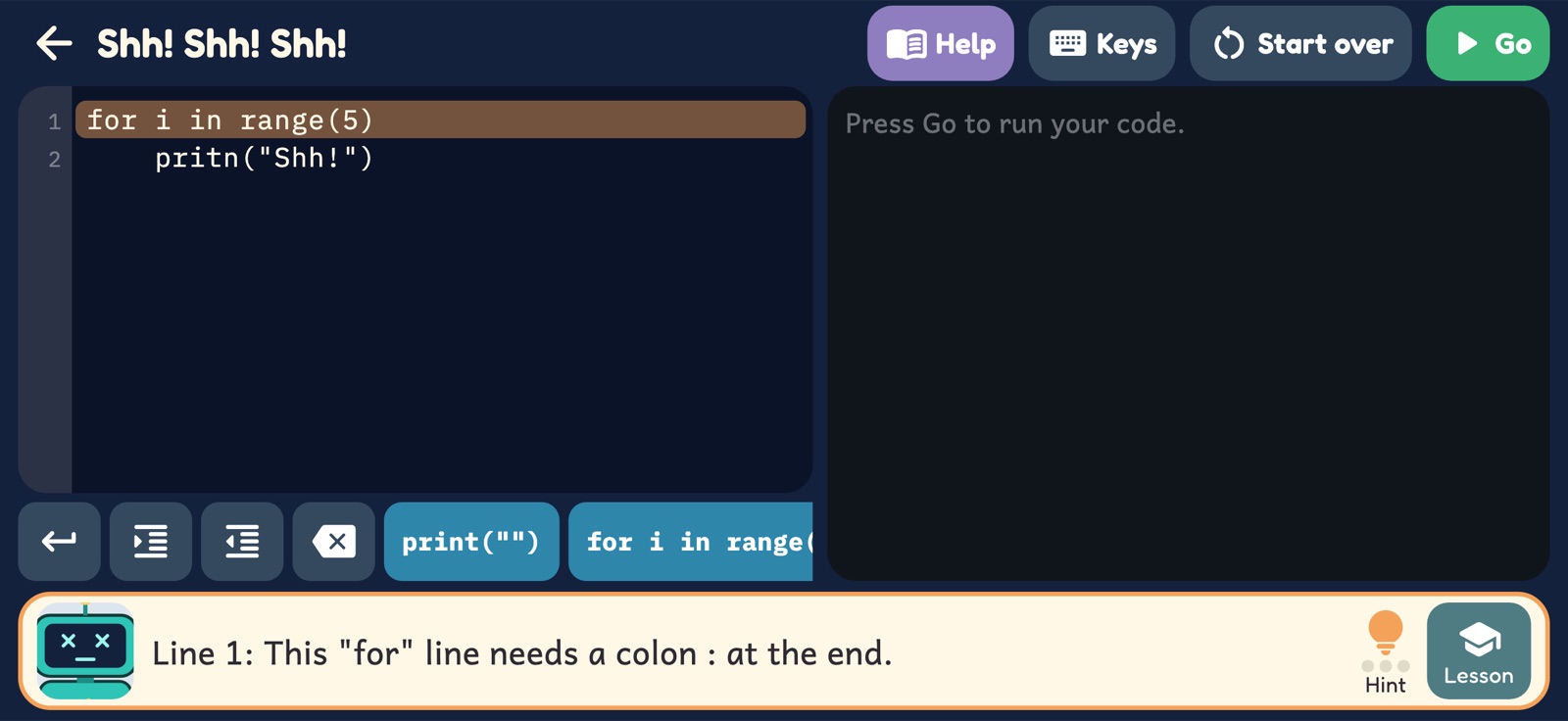
- When typed code has a mistake, the message says what to do about it.
Widget: I do not know the word "pritn". Did you mean "print"?
Python
Then she types the real thing.
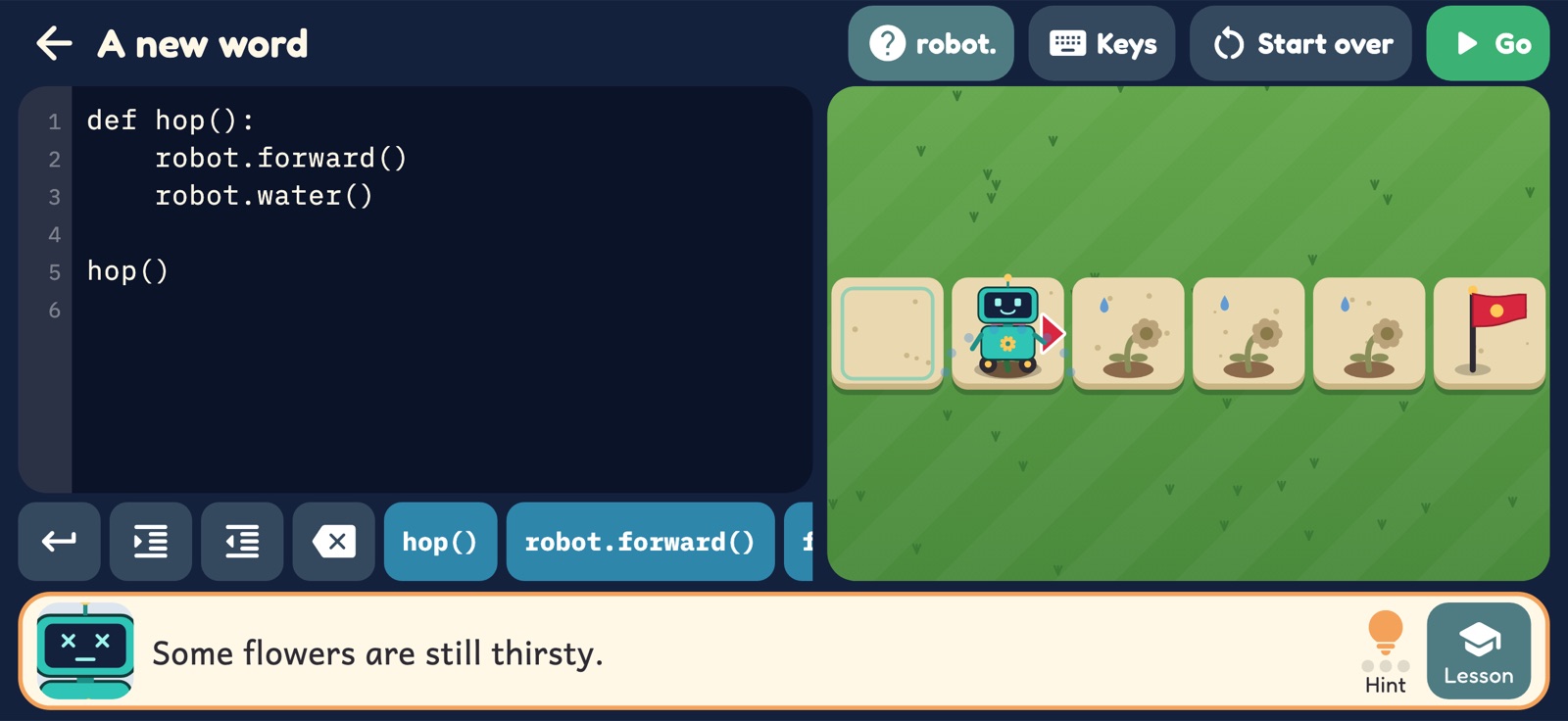
At the library the blocks come off. The same ideas, in a real coding language: print, boxes with names (variables), loops, if and else, and her own new words with def.
- Code tiles under the editor let most of a program be tapped together. The keyboard comes up for her own words.
- The line that is running lights up, so she can see the program go.
- It is real Python syntax: what she writes here would run on any computer with Python.
Movies and games
Write a movie. In code.
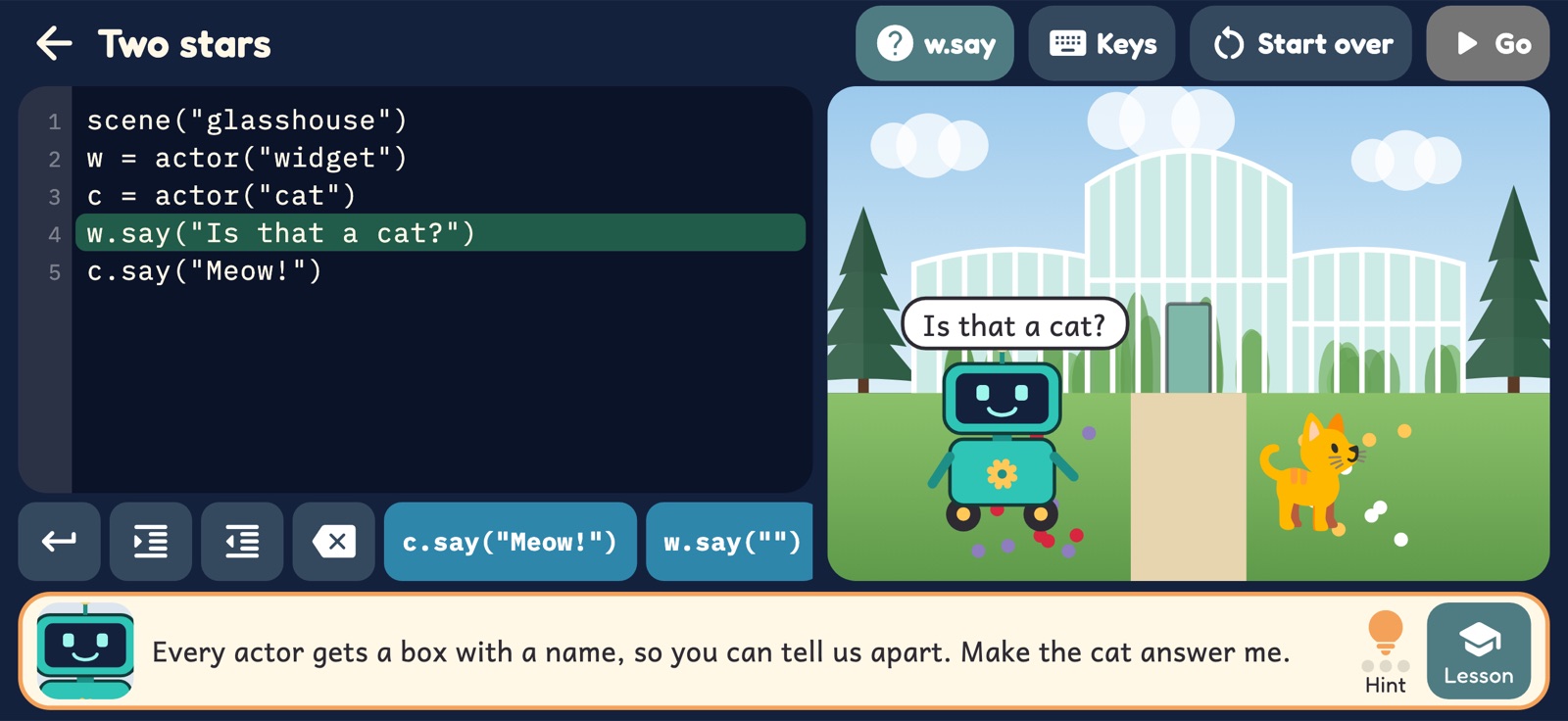
The last stop is the Movie Studio. Pick a scene, put actors in it, and tell them what to say and do. Her own movie plays at Movie Night, and then the Studio is hers.
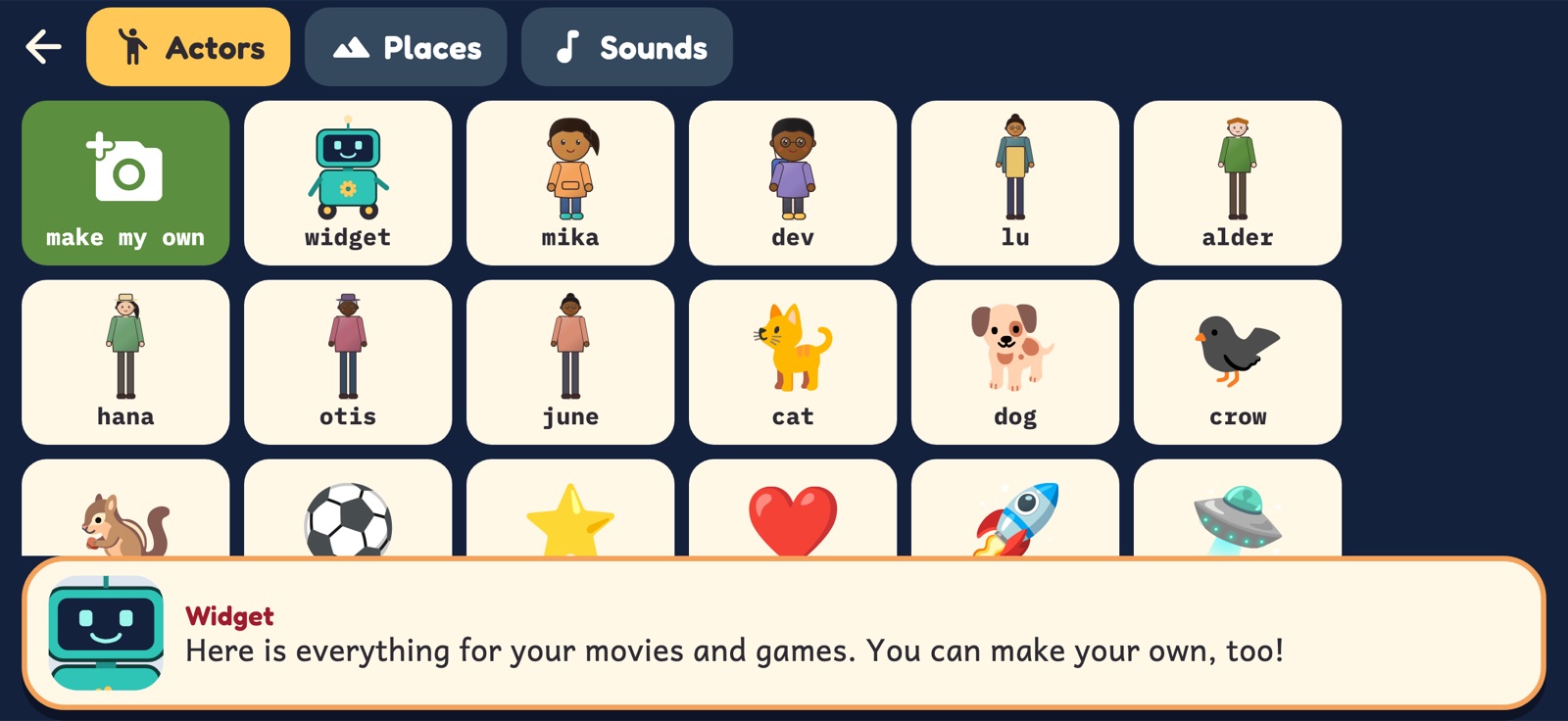
- Fifteen places, the whole cast, about fifty props and animals, or any emoji.
- Actors say their lines out loud, move, jump, spin, grow and hide.
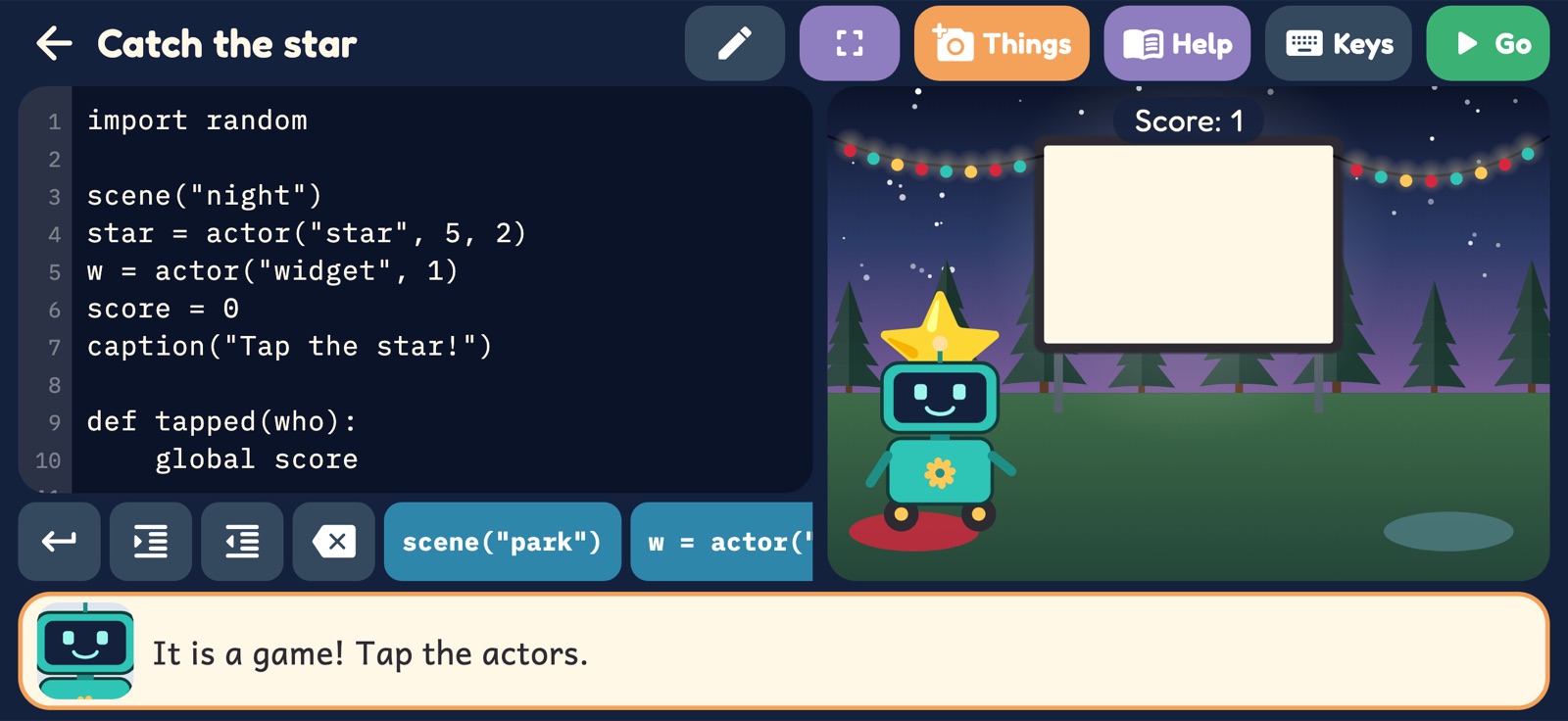
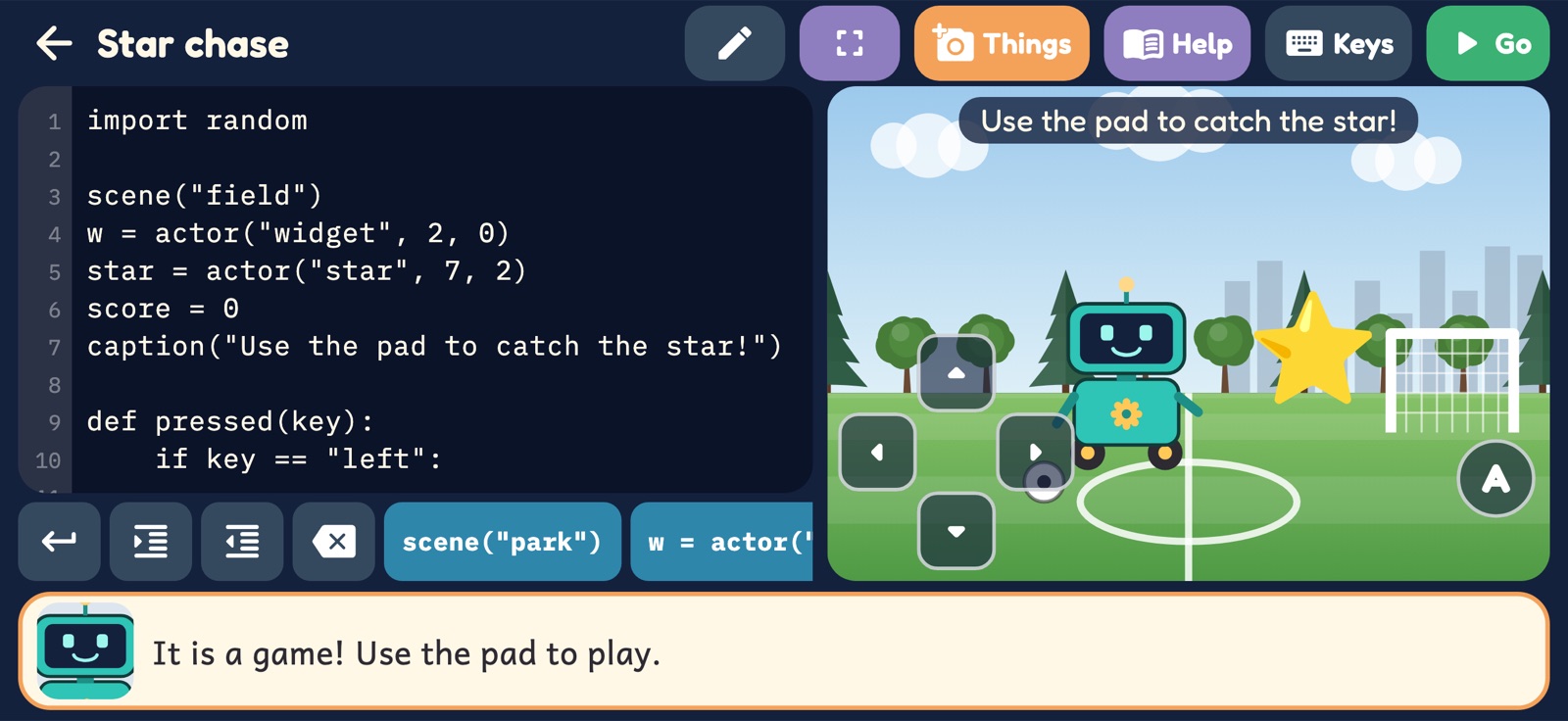
- Add a function called tapped and the movie turns into a game.
- Eight starters to change and make her own.
The game studio
Then build a game.
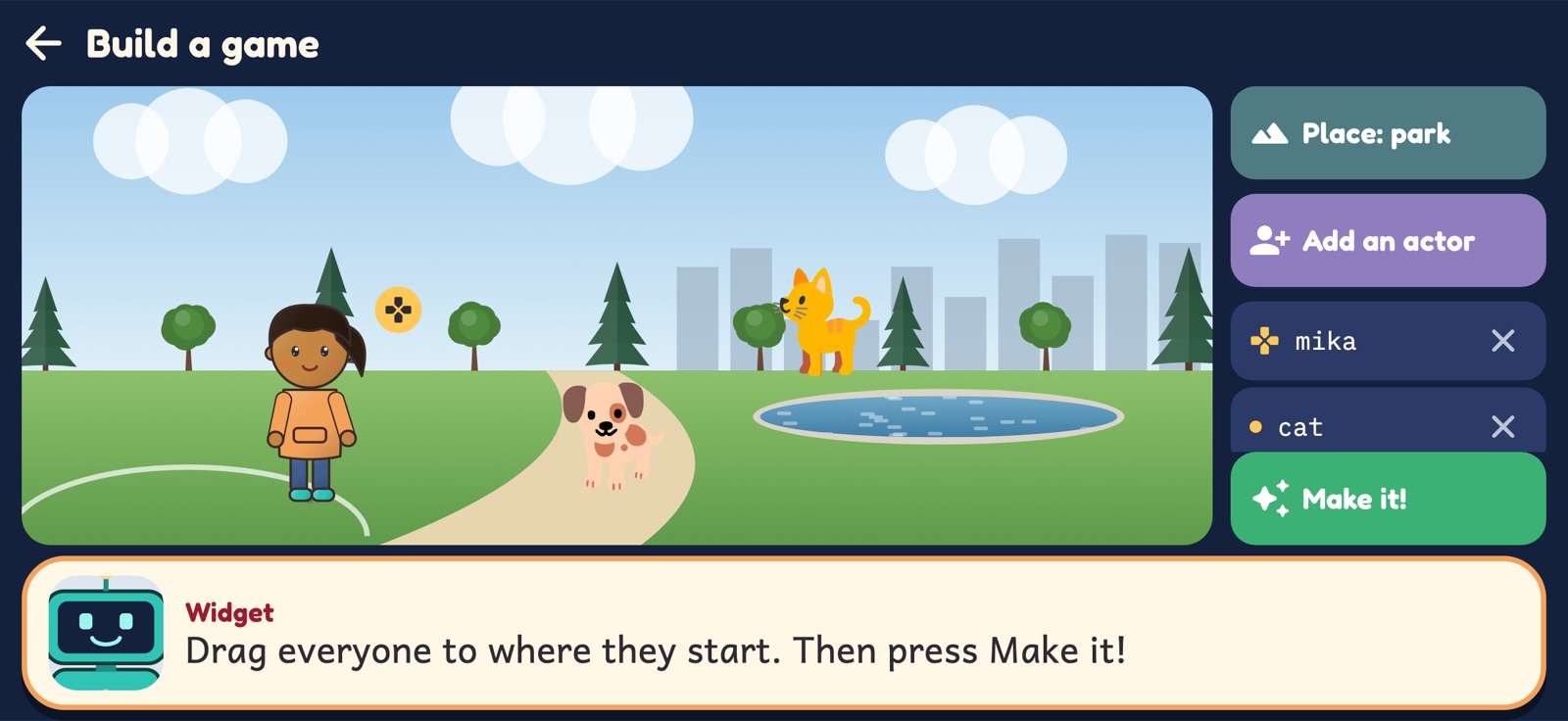
In the Studio, pick a place, add actors and drag them to where they start. Press Make it! and the game writes that picture down as Python, with a pad that moves the player. Then the code is hers to read and change.
- A pad on the screen, or the arrow keys and W, A, S and D on a keyboard.
- pressed, touched and tick: code that runs when a button goes down, when two actors bump, and as the clock ticks.
- Her own actors and places, from the camera or a photo, and her own sounds, from the microphone. They stay on the device.
- The Python Trail is not needed first: the Studio opens on the hill.
The last idea: coding with AI
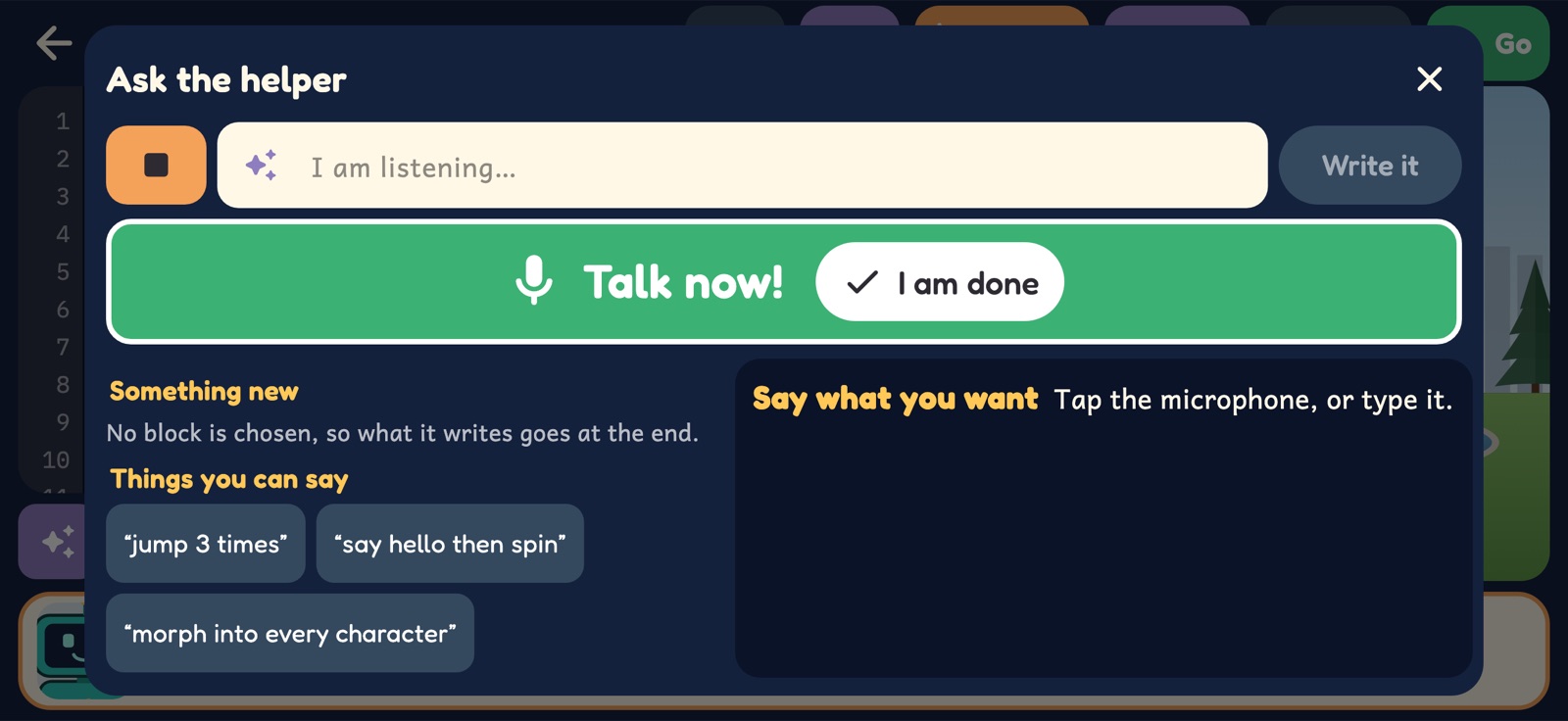
Say it. It writes the code.
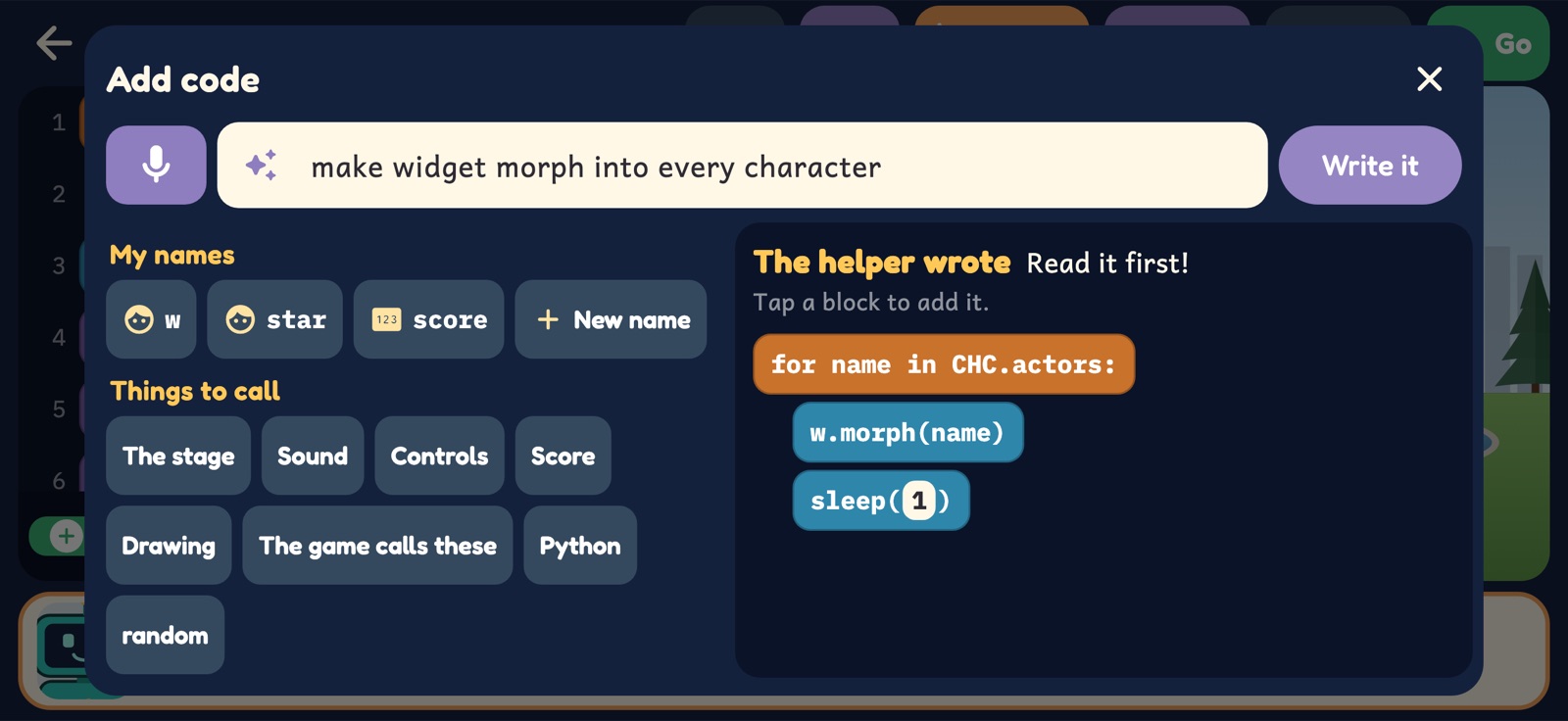
Her own Studio projects have two buttons under the code: Add and Change. She types what she wants in plain words, or says it, and a small helper writes a few lines of the game's Python for her to read and tap in. It is the real thing in miniature: a model that reads her words and her code, and edits that code, with nothing sent anywhere.
- Made for this game alone, and trained on a few million examples of its own code.
- It runs on the phone or tablet. No internet, no account, no cloud: what she types or says never leaves the device.
- It can only write this game's code. It can't chat or answer questions, and when it doesn't understand, it says so.
- Add writes something new. Change is for a block or a line she has chosen: do this 3 times.
- It is small and it can be wrong, so a lesson comes first: read the code, run it, fix it. She is still the coder.
Nine stops on the hill
Each one teaches one idea.
- Lu's Fix-It BenchWhat is inside a computer: in, think, out, and memory.
- The Water TowerSteps in order. A list of steps is called an algorithm.
- The Glass HouseLoops: a short program that does a long job.
- The Rainbow CrosswalkIf and else. Look before you roll.
- The Train StationSwitches, on and off: numbers and pictures in binary.
- The ParkFinding bugs, and fixing them without fuss.
- The LibraryFirst Python: print, variables and for loops.
- The Coding CrewPython moves Widget: loops, if, else and def.
- The Movie StudioMovies made of code, and one of her own for Movie Night.
Then the Python Trail
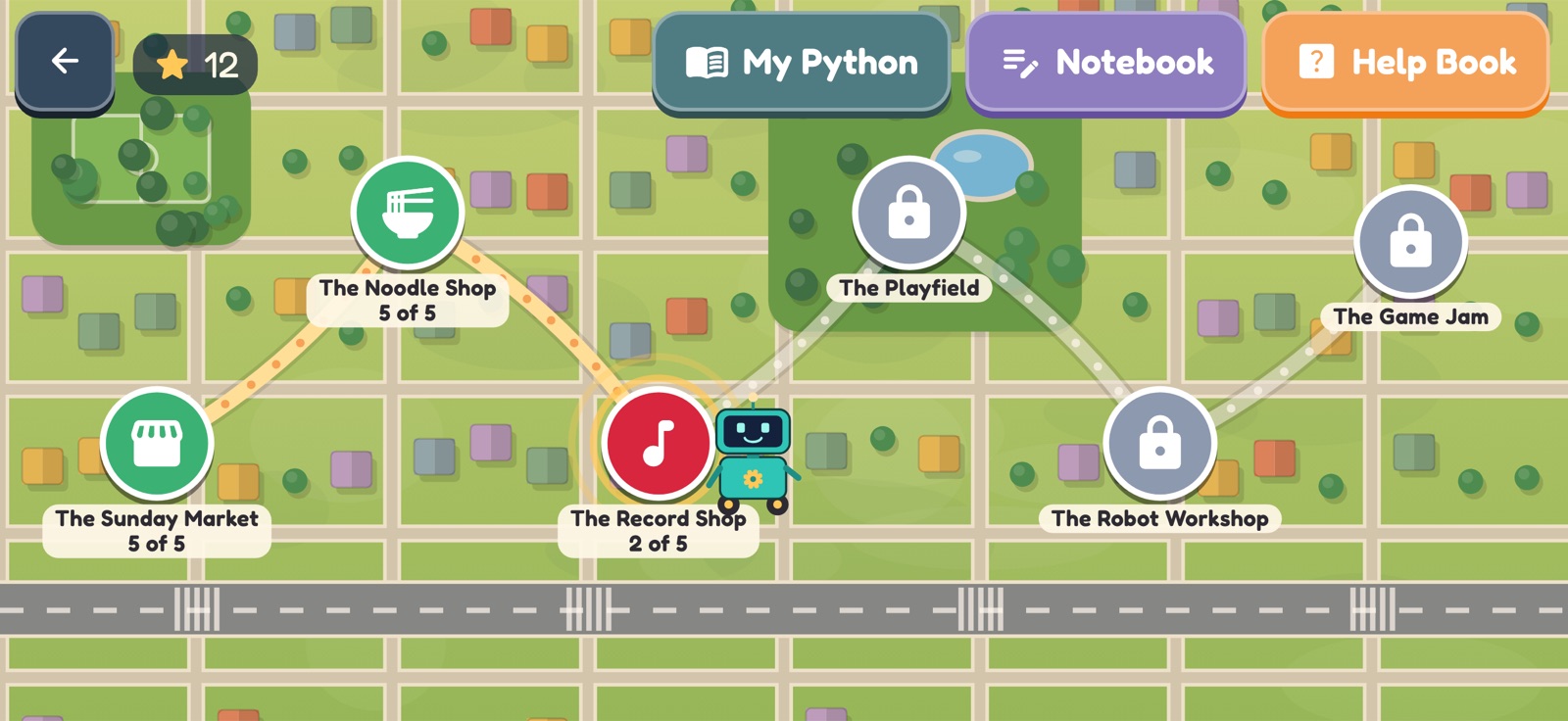
After Movie Night a second map opens: six more stops, all typed Python, each a bigger piece of the real language.
- The Sunday MarketLists: pick one out, add one, loop over all, sort and slice.
- The Noodle ShopStrings: upper, f-strings, slices and split.
- The Record ShopDictionaries: look up, add, change and count.
- The PlayfieldFunctions that return an answer, while loops and random.
- The Robot WorkshopClasses: write a recipe, make objects, build one class on another.
- The Game JamAll of it together, in movies and tap games with a score.
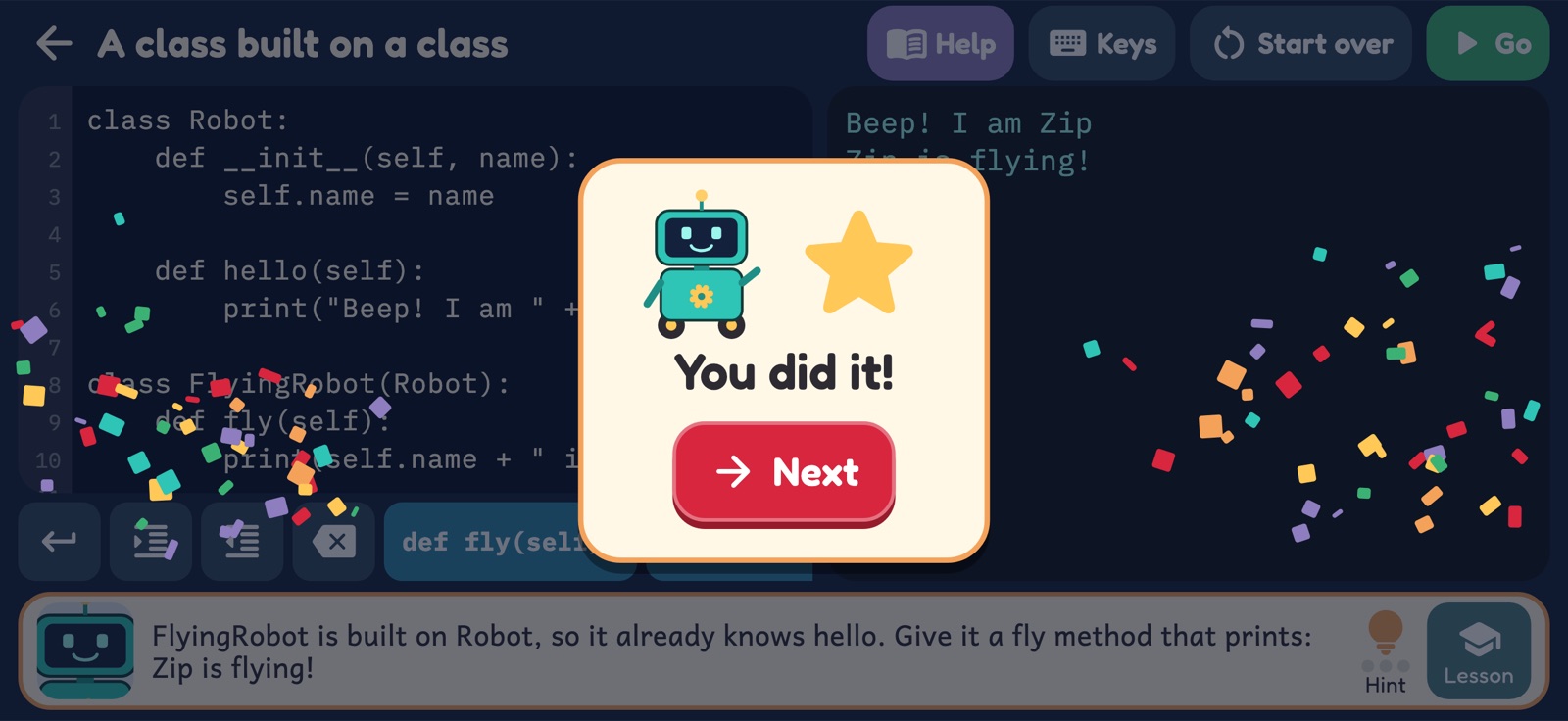
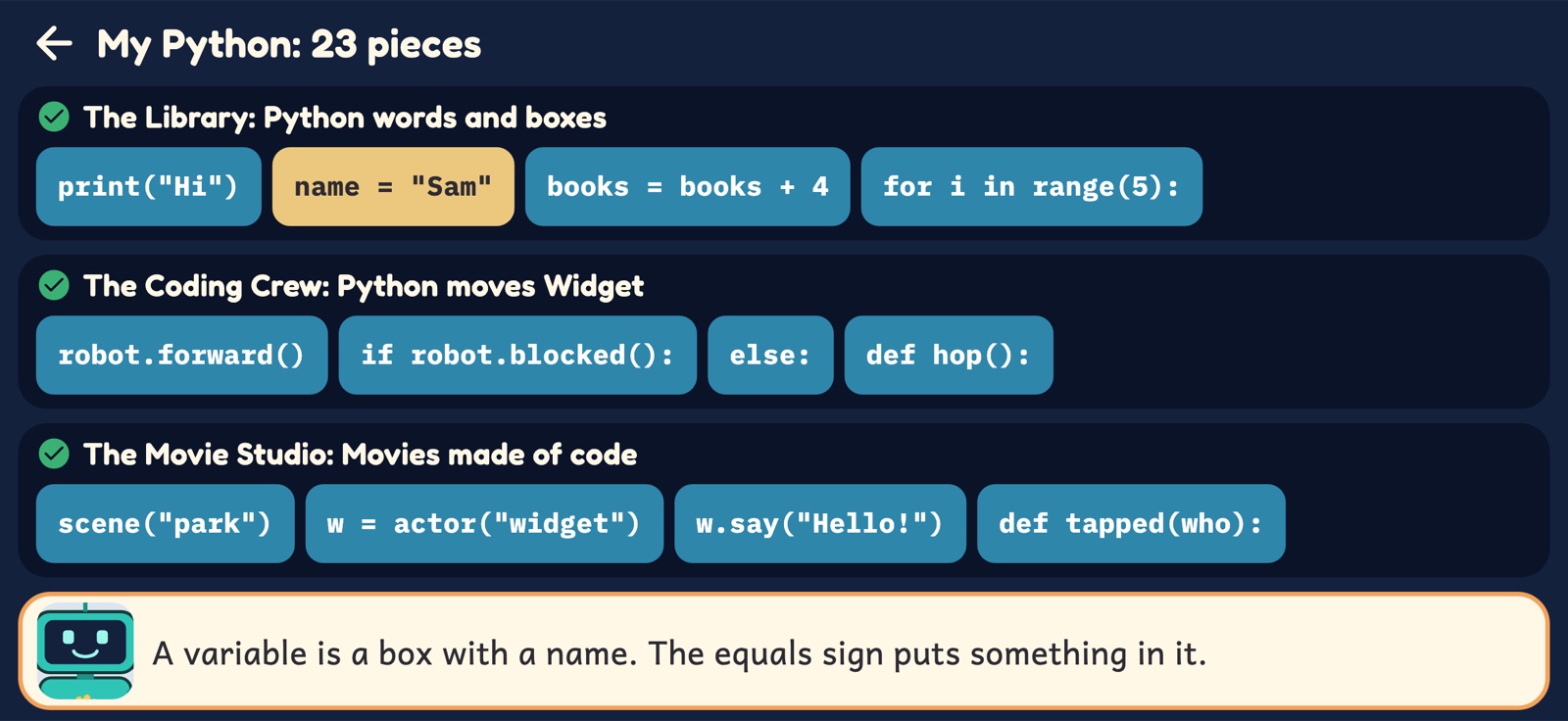
Along the way, My Python keeps every piece she has learned, and the Notebook runs any Python she writes.
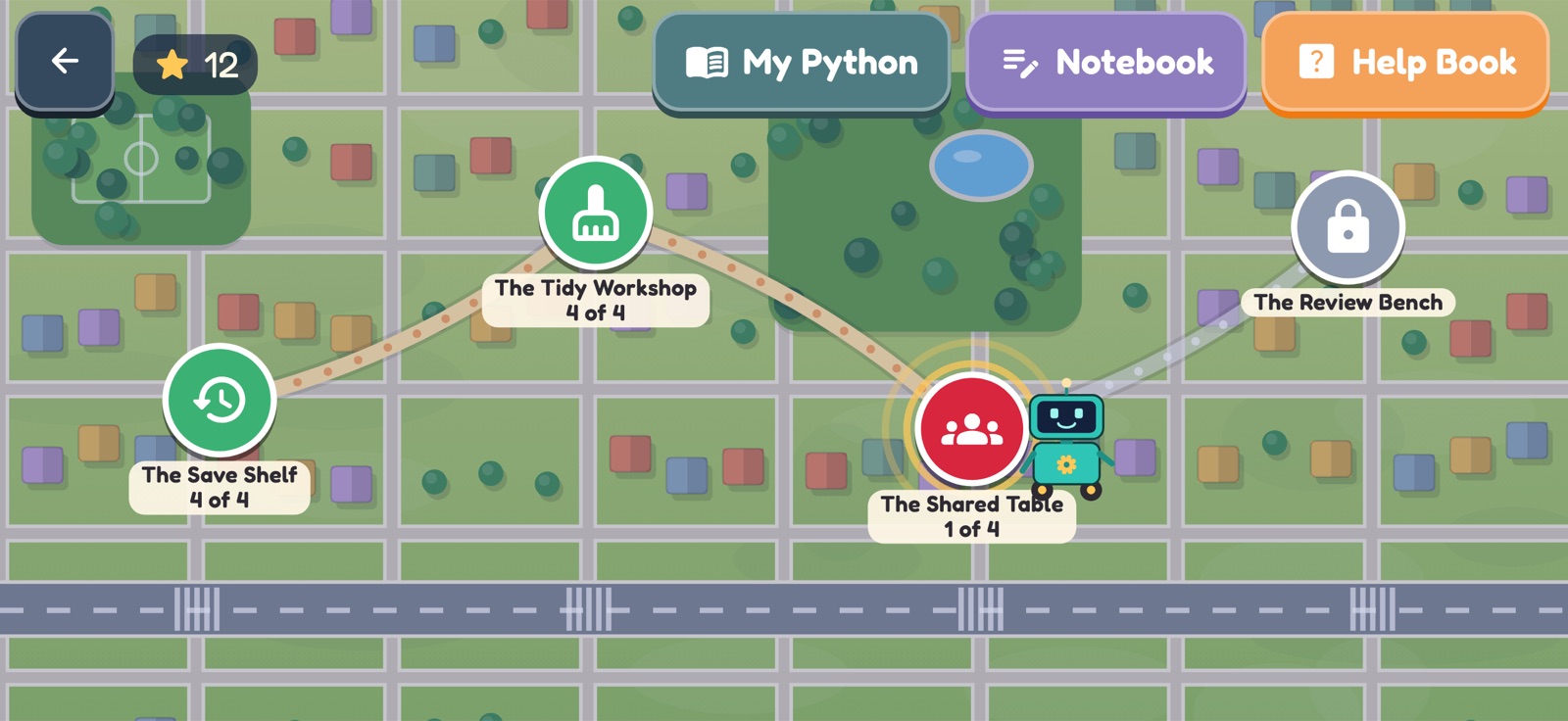
And then, the Team Trail
A last, optional map for coders who want more. The Summer Fair wants an arcade game, and the whole Coding Club builds it together. These four stops are not about new Python: they are about how coders work when a program is big and many people are writing it.
- The Save ShelfVersions: keep one while it works, write a note, find what changed, go back.
- The Tidy WorkshopOne job for each function, written once, with a name that tells.
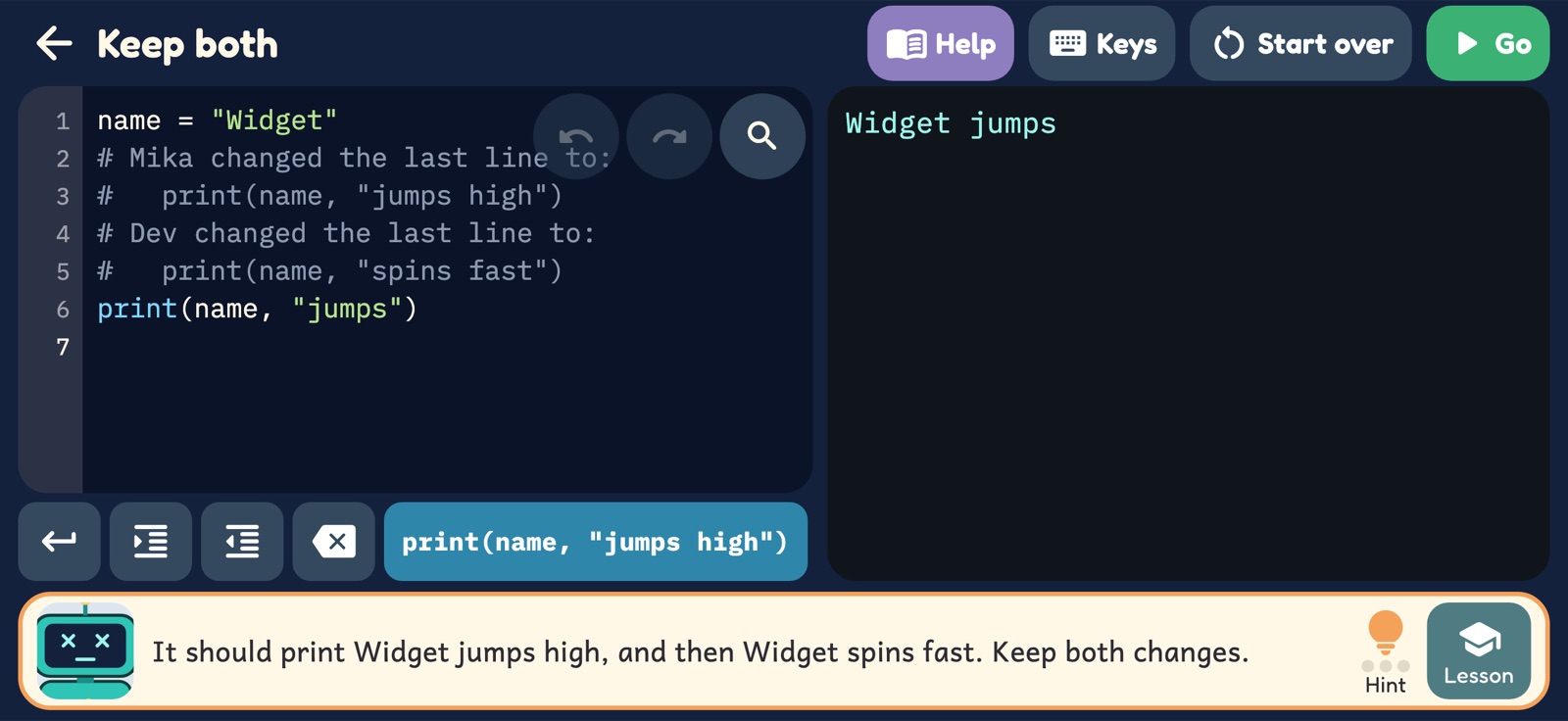
- The Shared TableTwo coders, one program: split the work, keep both changes, leave notes.
- The Review BenchRead it before you change it, check a helper's code, change only what was asked.
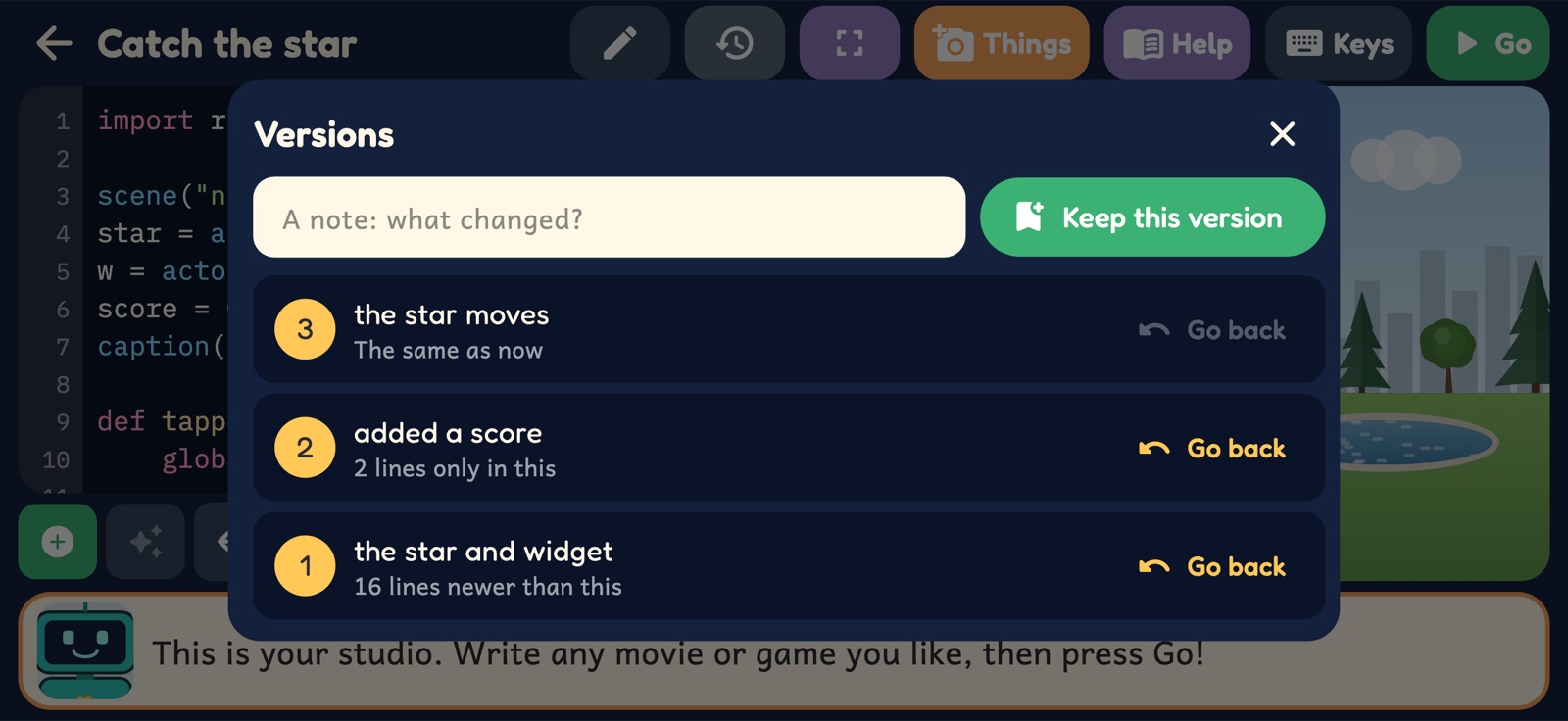
The first stop comes with a real tool. In the Studio, a Versions button keeps a copy of her game with a short note, shows what has changed since, and takes her back to any version she kept.
Never stuck for long
Every new idea starts with a short lesson: Widget at a board, with code that really runs and a question or two. Any lesson can be watched again, from the stop or from the level she is on.
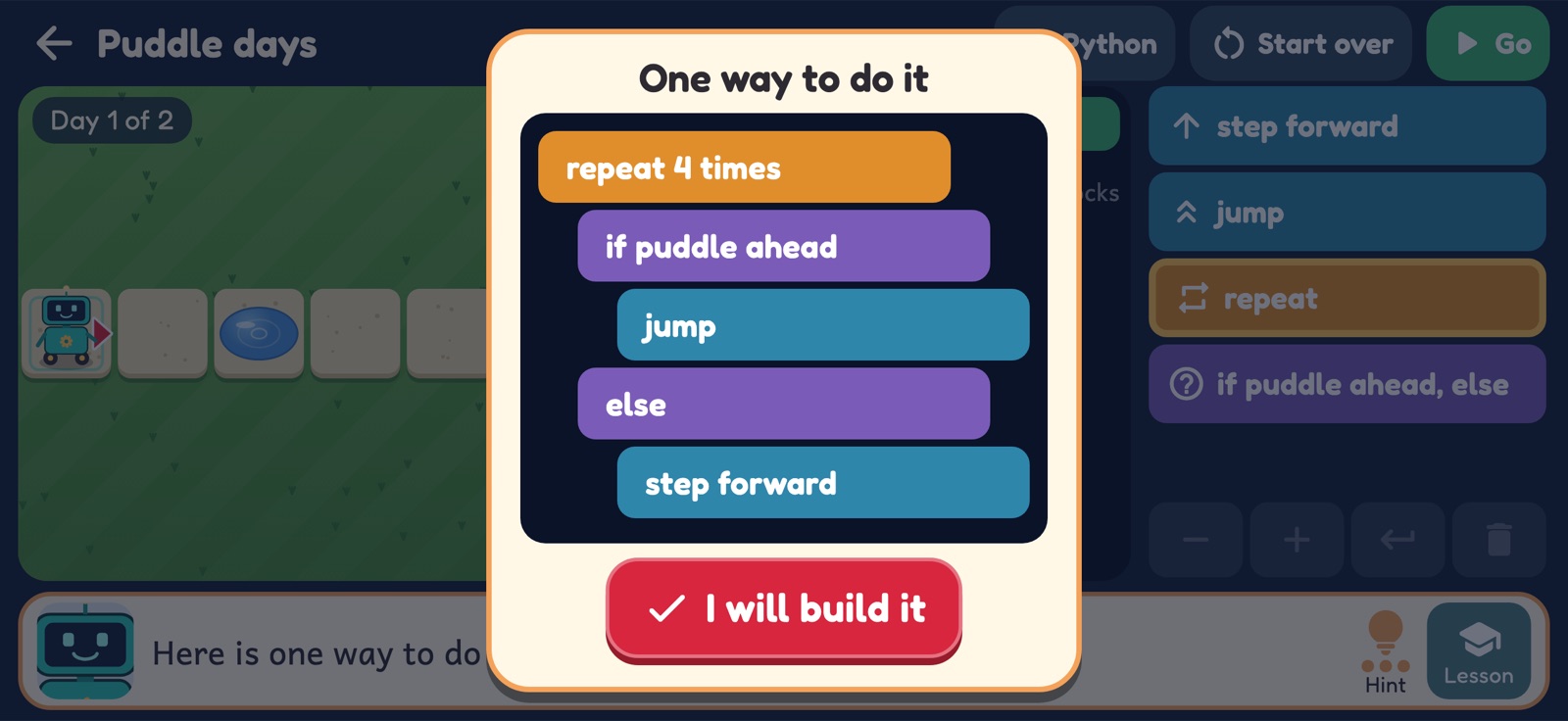
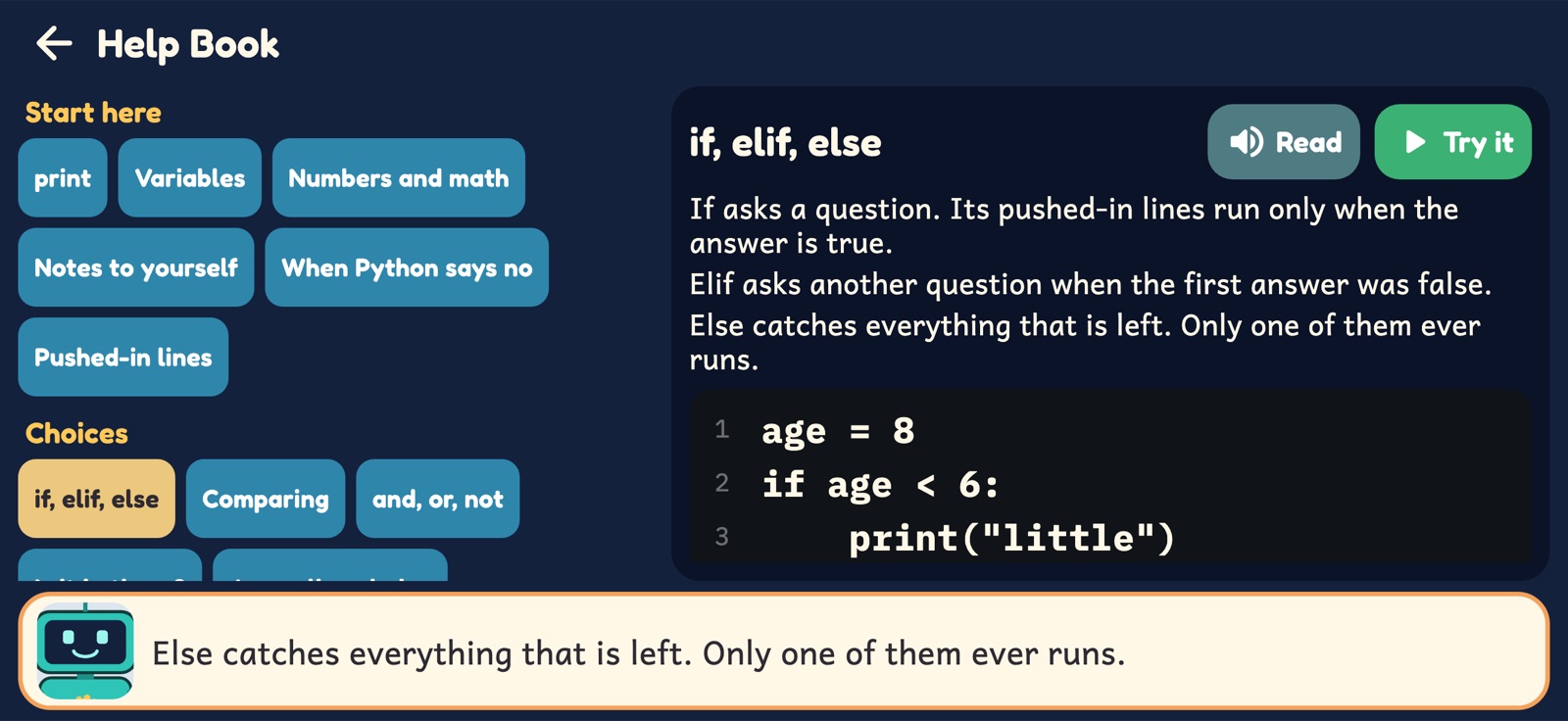
Hints come in steps. The first is a nudge. The second shows where to look. The third shows one whole way to do it, for her to read and build herself. And the Help Book has a page, with code to run and change, for every piece of Python the game knows: 49 of them, from print to classes and games.
The last lesson, in the Studio, is about coding with an AI helper: you say what you want, it writes code made of the same ideas, it can be wrong, and you are still the coder. It plays before the game's own tiny helper opens, and explains how that one was made and how to use it.
For grown-ups
Capitol Hill Coding was made by a parent in Seattle for their own young coder, as a sister game to Maple Leaf Math, Licton Springs Language, Cascade Cardboard Creator and Wallingford Writing. Here's what you can expect.
🧠 Ideas before syntax
Sequence, loops, conditions, binary and debugging all come first, with taps and blocks. Typing arrives once the ideas are already hers.
🐍 What "real Python" means
The app runs a kid-sized part of Python: variables, numbers, words, lists, dictionaries, if, loops, functions and classes. It is real syntax, but not the whole language.
⌨️ Typing is optional at first
Code tiles cover most of every level. The keyboard is there when she wants it, and for her own words inside quote marks.
🗣️ Every line is spoken
Everything a character says is read aloud by your device's own voice. You can turn the voice or the music off.
⏳ No pressure
No timers, no lives, no scores to lose. A program that doesn't work yet is how every coder spends most of the day.
🔒 Private by design
No ads, accounts, analytics or tracking, and the app never goes online. Everything she writes, and any picture or sound she makes for a game, is saved only on the device. The helper that writes code runs on the device too: what she types or says to it goes nowhere. Privacy policy
🏙️ A real neighborhood
Broadway, Volunteer Park and Cal Anderson Park are real public places. Every business, the school and every person in the game is made up.
💻 Then try it for real
The best outcome is a kid who wants more. Python is free for any computer, and what she learned here is where it starts.
Out now for Windows and Linux. More on the way.
Capitol Hill Coding is on itch.io for Windows and Linux, and on the Microsoft Store for Windows: one purchase is the whole game, with nothing more to buy.
It is coming soon to the App Store (iPhone, iPad and Mac), Google Play and Steam. On phones and tablets it will be free to start: the first four stops cost nothing, and one purchase opens the rest of the hill, the Studio and the trails. No ads and no subscriptions anywhere.